Course Guide
This is the machine learning course that first-year students of Applied Data Science & AI at Breda University of Applied Sciences take, adapted for independent learning. It is free, with no registration, no deadlines and no certificate. The course is a GitHub repository that you copy to your own computer: you write and run the code in its Jupyter notebooks there, and you read the pages here on this website.

Modules, Self-study and DataLab
The course has six modules, and each module has two parts: a Self-study and a DataLab iteration. In the Self-study, you learn new machine learning concepts and methods. In the DataLab, you apply what you learned to a real client project. You complete both parts before moving to the next module.
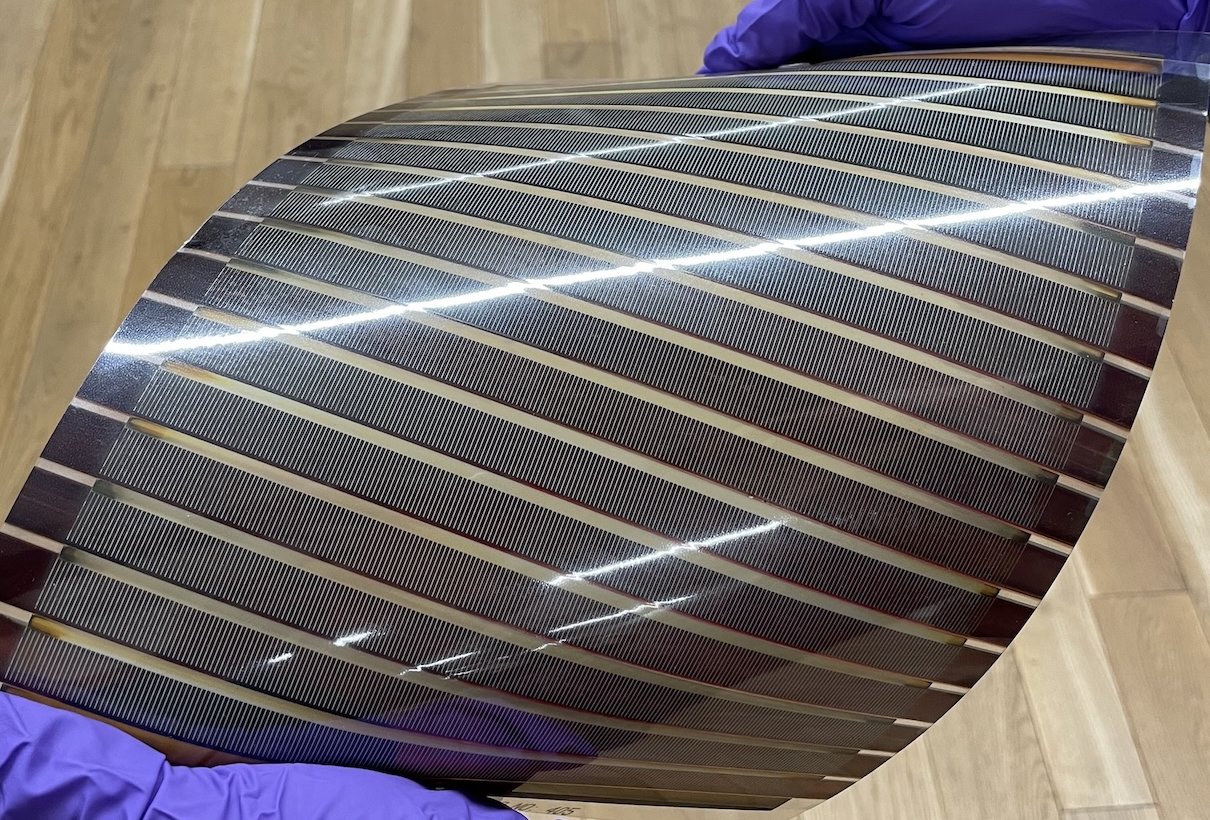
For example, in Module 1, you learn how to build your first classification, regression and clustering models. In DataLab Iteration 1, you apply these methods to the client project, predicting properties of molecules for organic solar cells. Later, in Module 5, you learn more advanced algorithms, such as random forests and gradient boosting. In DataLab Iteration 5, you apply these algorithms to the same project. This pattern continues throughout the course: you learn new methods, apply them to the project, and gradually build more advanced solutions.
Self-study
The Self-study teaches you the concepts and methods of machine learning. Module 1 gives you the whole picture first: you learn what machine learning is, train simple models, and complete a small project that goes through every stage, from the question to a saved model.
This follows the approach of David Perkins in Making Learning Whole (2009): learn to play a simple version of the whole game first, then work on its parts. Modules 2 to 6 each go deeper into one part: preparing and exploring data, modeling and evaluation, pipelines, tree-based models, and applied machine learning research.
DataLab
The DataLab is a client project: you predict properties of molecules for organic solar cells, for the OMEGA Lab of Prof. Derya Baran at KAUST.
This is the core of the course. Machine learning is a practical skill. You learn it by deciding what to do with real data, writing the code, and finding out why a model does worse than you expected. The Self-study gives you the concepts and tools for this work, and the project shows you which of them you need to understand better.
The project runs in six iterations, one per module. Each iteration builds on the previous one, with progressively less guidance as you become more independent. From Iteration 3 onward, you score your models on 200 test molecules that you haven’t seen.
Work on your own computer
Most of your work happens in Jupyter notebooks: you read the explanations, run the code, change it and write your own. The DataLab notebooks also save files that later notebooks read. That is why we recommend that you work in your own copy of the course, on your own computer, with GitHub and three tools:
- GitHub holds the course. With a free account, you make your own private copy of the course there, which keeps a backup of your work.
- Git downloads your copy to your computer and keeps a history of your work. When you save your work, Git sends it to your copy on GitHub.
- uv installs Python and the exact package versions the course uses (the packages go into a folder inside the course), so that your notebooks give the same results as ours.
- VS Code opens and runs the notebooks. In VS Code you see the course in the folder
modules/, one folder per module with its Self-study and its DataLab, and the files numbered in the order you work through them. The.qmdfiles are the pages of this website: read those here.
The six modules
- Foundations of Machine Learning
- Self-study: what machine learning is, your first classification, regression and clustering models with scikit-learn, and one small project from start to finish.
- DataLab, Iteration 1: the client’s problem and a starter dataset of 80 molecules; your first classification, regression and clustering models for the project.
- Data Preparation & Understanding
- Self-study: preparing data (scaling, encoding, missing values), exploring it (distributions, relationships, PCA), and checking that it matches the data a model will be used on (leakage, distribution shift).
- DataLab, Iteration 2: the raw HOPV files of 350 molecules; understand the stability and HOMO/LUMO data, prepare your own dataset, and train a baseline on it.
- Modeling & Evaluation
- Self-study: cross-validation, hyperparameter tuning and evaluation metrics, then linear regression, logistic regression and clustering: how the models work and how to choose their settings.
- DataLab, Iteration 3: cross-validation and hyperparameter tuning for your models, a closer look at your clusters, and your first score on the test molecules.
- Advanced Scikit-Learn
- Self-study: pipelines and the ColumnTransformer: preprocessing and model in one object.
- DataLab, Iteration 4: rebuild your models as pipelines, add the lab database and the test molecules to your data, and find out why your test score differs from your cross-validation score.
- Tree-Based Algorithms
- Self-study: decision trees, random forests and gradient boosting.
- DataLab, Iteration 5: tree-based models and boosting on the project, a validation strategy that resembles the test molecules, clustering all molecules, and an analysis of your errors.
- Applied ML Research
- Self-study: communicating technical work, reading ML research, and testing its ideas in your own project.
- DataLab, Iteration 6: ideas from research papers, your final models scored on the test set, and a write-up of your solution as a portfolio project.
Other ways to use the course
Reading only
Read the pages and notebooks here on the website. Nothing to install. The notebooks show the code and, in the Self-study, its output. Start with What is Machine Learning?, which you can try out in your browser. You will understand the ideas, but you only really learn machine learning by writing the code yourself.
A quick look in Google Colab
Every notebook page has an “Open in Colab” button that runs the notebook in your browser. This is good for trying a few notebooks. For the whole course, Colab is not practical: it forgets the files you create, and the DataLab notebooks build on each other’s files.
You already know machine learning
Go to the project. Read the Business Understanding and Data Understanding pages for the problem and the data, skim the Iteration 2 notebooks on reading the HOPV file and computing molecular descriptors, score a first model on the test molecules, then start Iteration 4, where the project becomes open-ended. The Self-study pages are there when you want to look something up.
You are a teacher
You are welcome to use the course, or parts of it, in your own teaching: the content is licensed under CC BY 4.0 and the code under MIT (see the license). All notebooks, pages and data are in the course repository. We’d love to hear how you use it: post in Show and tell.
What you need
- Basic Python, NumPy, pandas and Matplotlib (see the overview). If you need a refresher: the Python tutorial, NumPy for absolute beginners, 10 minutes to pandas, the Matplotlib quick start, or Kaggle’s free Python and pandas courses. No chemistry is needed: the project explains what you need to know.
- A computer with about 3 GB of free disk space for the setup. Any recent Windows, macOS or Linux computer works.
- A free GitHub account, for your own copy of the course.
- No textbook. The Self-study pages and notebooks teach everything the course needs. Many notebooks end with optional further reading, for a second explanation: James et al., An Introduction to Statistical Learning with Applications in Python (free to read online), and Aurélien Géron, Hands-On Machine Learning with Scikit-Learn, Keras & TensorFlow (O’Reilly; many libraries offer it through the O’Reilly learning platform).
Working through the notebooks
The notebooks mix explanations with exercises, marked “Your Turn”, and empty cells marked # YOUR CODE HERE. Many exercises show the expected output, so you can check your result. Some Self-study notebooks show a worked solution right after an exercise (marked SOLUTION or “my solution”), so that you can compare it with your own: try first, then look. All other exercises, and the DataLab project, have no published solutions: working out the code yourself is where the learning happens. Read the documentation of the functions you use, and if you ask an AI assistant, ask it to explain rather than to write the code for you.
When you are stuck
- Questions: ask in the course Discussions (Q&A), and help others when you can. Say which notebook and exercise, what you tried and the full error message. Your copy of the course is private, so paste the code that matters into your post instead of a link to your repository. Please share hints and ideas, not complete solutions, so that others can still learn from the exercises.
- Mistakes in the course: use “Report an issue” under the table of contents of any page.
- There is no staff support or grading. The course team looks at the Discussions when it can and fixes reported mistakes, but cannot answer every question.
The test set
The course repository includes 200 test molecules and a scorer, for both problems (stability and energy levels). How to score your predictions, and what the public and private scores mean, is in Iteration 3. You score your models for the first time at the end of Iteration 3; expect that first score to be lower than your cross-validation score.